
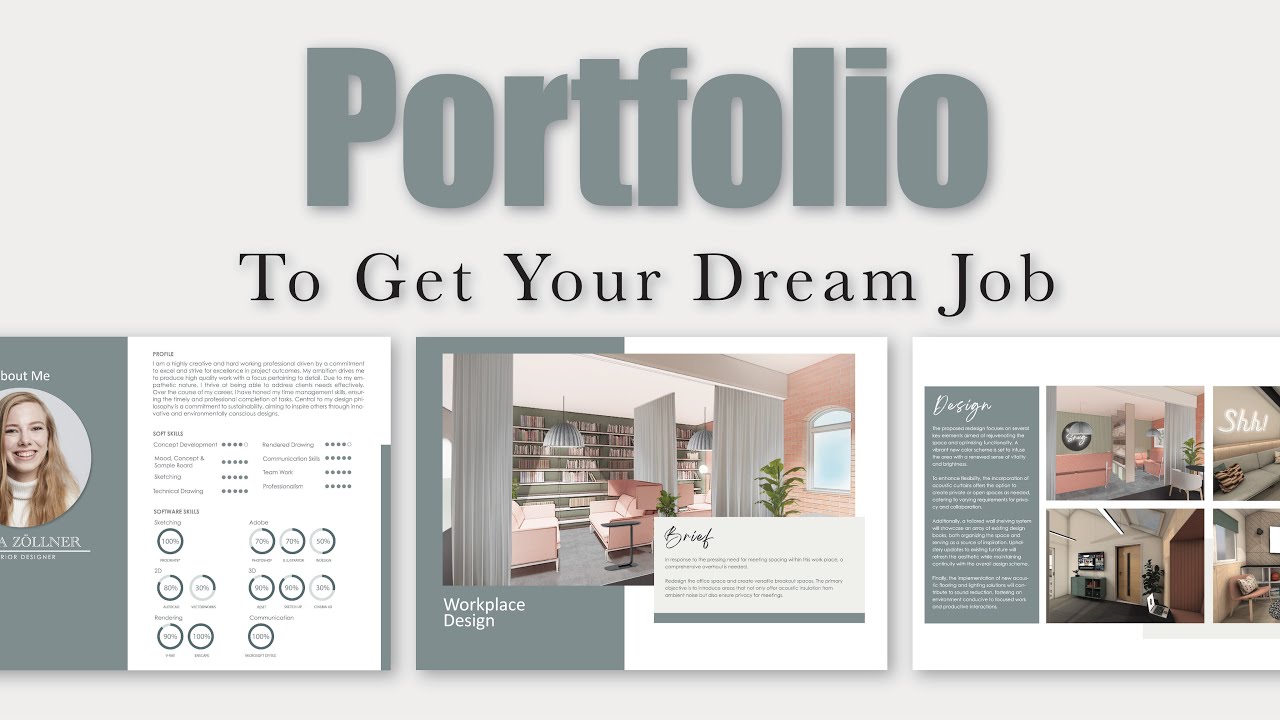
Why Your Remote Work Portfolio Is the Missing Link
You sent the application. You polished the CV. You even said a small prayer.
Then the email lands: “Can you send us your portfolio?”
And suddenly, your confidence wobbles.
If you’ve ever stared at that request thinking, “Portfolio? For this job?” — you’re not alone. But here’s the truth: in the remote world, your remote work portfolio is not optional. It’s your digital handshake. It’s your proof. It’s your “don’t worry, I’ve got this.”
Let’s break it down step by step.
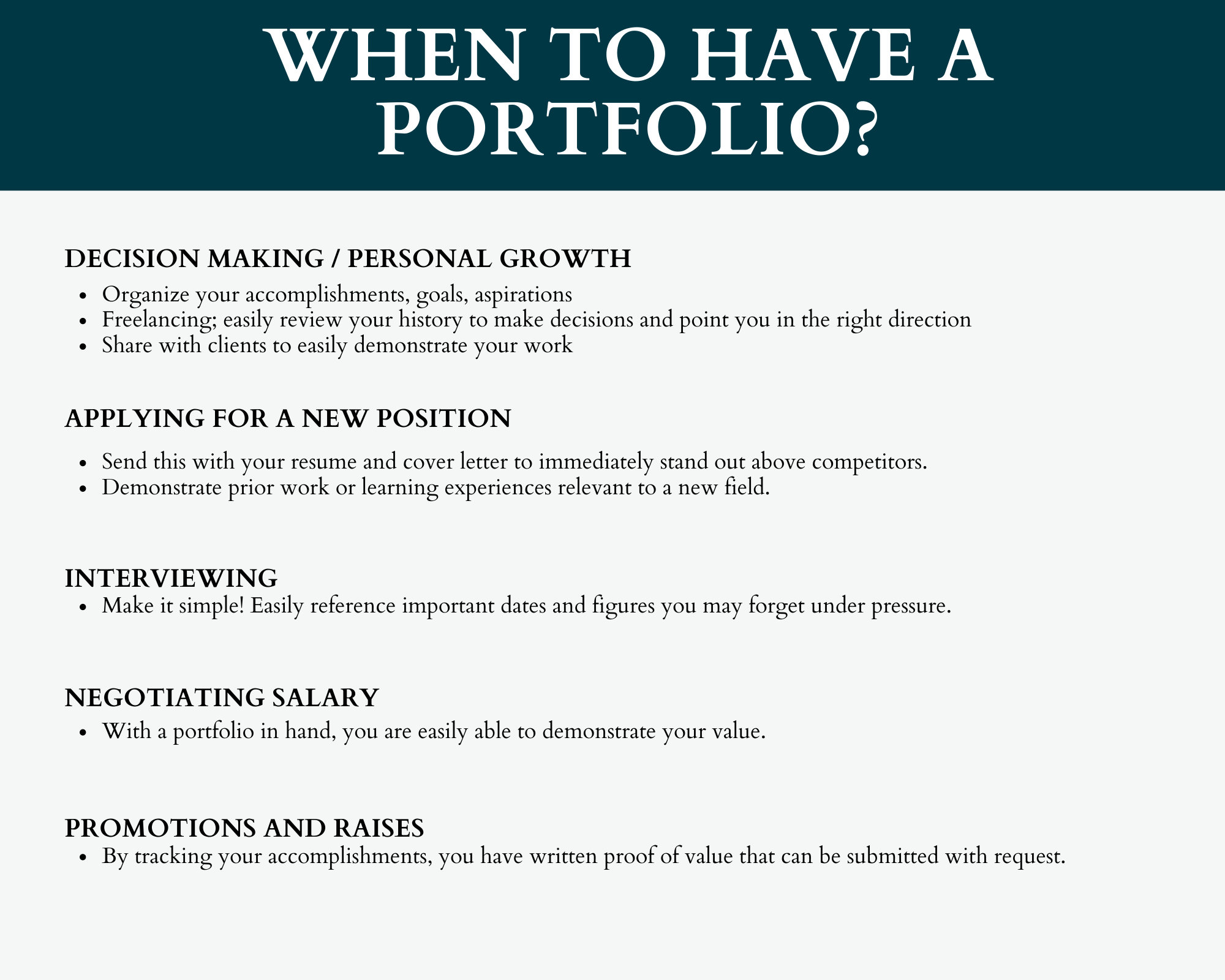
What Is a Remote Work Portfolio (And Why It Matters More Than Ever)
A remote work portfolio is proof of your skills in action.
Your CV says what you did.
Your portfolio shows what you produced.
And in remote hiring, that difference is everything.
According to a powerful Harvard Business Review career guide, employers increasingly prioritize demonstrated ability over credentials alone. In remote environments, that standard becomes even stricter.
Why?
Because remote hiring managers fear three things:
- Hiring someone they must micromanage
- Hiring someone who exaggerated skills
- Hiring someone who can’t use digital tools properly
Your remote work portfolio answers these silent doubts:
- Can you do the work?
- Can you communicate without supervision?
- Are you digitally fluent?
If your portfolio answers “yes” to those three questions, you move from applicant to serious contender.
When You Absolutely Need a Remote Work Portfolio
Many people assume portfolios are only for:
- Designers
- Architects
- Photographers
- Engineers
That’s outdated thinking.
If your job creates output, you need a portfolio.
Here are roles that benefit massively from a portfolio for remote jobs:
- Social media managers
- Copywriters
- Virtual assistants
- Customer support specialists
- Project managers
- Sales representatives
- Operations coordinators
- Email marketers
Even customer service roles can show:
- Reduced ticket backlogs
- Improved response times
- CRM dashboard screenshots
- Before-and-after metrics
Remote employers care about outcomes. If you helped improve something, you must document it.
Think of it this way:
If your work moved the needle, your portfolio should show the needle moving.
What a Strong Remote Work Portfolio Must Contain
Let’s simplify it.
Your remote job portfolio examples should include these sections:
1. Clean Cover Page
Keep it simple:
- Your name
- “Remote Work Portfolio”
- Job specialization
- Clean color scheme
Choose 2–3 brand colors and stick with them. Consistency builds professionalism.
2. Professional Introduction
Write a short, confident paragraph.
Example structure:
- Who you are
- What you specialize in
- What results you deliver
Keep it concise. No autobiography needed.
3. Skills Section (Digital Fluency Matters)
Remote hiring managers want tool familiarity.
List:
- Software tools (Notion, Canva, Google Sheets, Slack)
- Platforms (Facebook, LinkedIn, HubSpot, Zendesk)
- Productivity tools
If you mention tools in your CV, they must appear in your remote work portfolio with evidence.
4. Work Experience With Proof
This is the heart of your portfolio.
Instead of writing:
Managed 3 Google Business profiles.
Show screenshots of:
- Admin dashboard access
- Analytics performance
- Engagement growth
- Profile management indicators
Before-and-after screenshots are gold.
For example:
| Metric | Before | After 4 Months | Growth |
|---|---|---|---|
| Instagram Followers | 8,000 | 9,200 | +1,200 |
| Reach | 10,500 | 14,760 | +40.6% |
| Email Backlog | 10,000 | 500 | -95% |
Numbers speak louder than adjectives.
Real Remote Work Portfolio Example Breakdown
Let’s say you’re a social media manager.
Here’s how your section should flow:
Client Introduction
- Industry
- Location
- Services
Your Responsibilities
- Content creation
- Campaign management
- Analytics tracking
- Graphic design
Screenshots to Include
- Post insights
- Reach growth
- Engagement stats
- Dashboard access
- Content calendar previews
Each screenshot builds credibility.
According to a high-impact Forbes career insight, portfolios are increasingly replacing resumes as proof-based hiring becomes the norm.
Remote work accelerates this trend.
How to Create a Remote Work Portfolio Using Canva (Step-by-Step)
The easiest tool? Canva.
Search “portfolio template” inside Canva and choose:
- Free template (no crown icon)
- Pro template (if you have Canva Pro)
Step-by-Step Guide
- Select template
- Customize cover page
- Add introduction
- Insert skills
- Add client sections
- Upload screenshots
- Add contact page
- Export as PDF
Keep design principles simple:
- Clean fonts
- Readable spacing
- Consistent colors
- Minimal clutter
Your Canva remote work portfolio should feel professional, not chaotic.
No Experience? Here’s How to Build a Remote Work Portfolio Anyway
This is where most people panic.
“No experience” is rarely true.
You can use:
- Volunteer work
- Personal projects
- Freelance gigs
- Internship work
- Case studies
- Simulated projects
Example:
- Created a Notion dashboard? Screenshot it.
- Built a Google Sheets automation? Show it.
- Cleared inbox backlog? Document before-and-after numbers.
Proof does not need a paycheck attached.
It needs impact.
Remote Work Portfolio vs Resume: Clear Comparison
| Resume | Remote Work Portfolio |
|---|---|
| Lists experience | Shows proof |
| Text-based | Visual + data |
| Claims achievements | Demonstrates achievements |
| One-page summary | Detailed evidence |
| Static | Clickable links |
Think of your CV as the trailer.
Your remote work portfolio is the full movie.
Smart Linking Strategy for Maximum Impact
Once your portfolio is complete:
- Save it as PDF
- Upload to Google Drive
- Set link access to “Anyone with link can view”
- Insert portfolio link inside your CV
Now recruiters don’t need to ask.
You appear organized, proactive, and digitally aware — all critical remote traits.
Fonts, Design & Digital Psychology
Small details matter.
Use:
- Sans-serif fonts
- Clear headings
- Consistent margins
- Balanced white space
Avoid:
- Fancy script fonts
- Cluttered slides
- Too many colors
Your remote job portfolio examples should feel calm and structured. Think modern, not messy.
Common Remote Work Portfolio Mistakes (Avoid These)
Let’s save you from silent rejection.
❌ No measurable results
❌ Too much text
❌ Poor screenshot quality
❌ Broken links
❌ No contact information
Every page must add value.
Every image must serve a purpose.
Why a Remote Work Portfolio Builds Trust Instantly
Remote hiring is built on trust.
When someone cannot see you working, they need evidence.
A remote work portfolio reduces risk for the employer.
And hiring decisions are often about minimizing risk.
When you provide:
- Visual proof
- Data
- Results
- Clickable verification
You eliminate doubt.
And doubt kills applications.
Final Thoughts: Your Remote Work Portfolio Is Your Digital Asset
If your CV is your introduction, your portfolio is your reputation.
The remote job market is competitive. But most candidates still skip this step.
That’s your opportunity.
Create a portfolio that:
- Shows real outcomes
- Proves tool expertise
- Demonstrates organization
- Builds immediate trust
When recruiters open your file and see clear, structured proof, they don’t think:
“Can this person do the job?”
They think:
“When can they start?”
Call to Action
Ready to build your own remote work portfolio?
Start today.
Open Canva.
Document your wins.
Show your proof.
And when that next email asks for your portfolio?
You won’t panic.
You’ll smile.
Share this guide with someone who needs it.
Bookmark it.
And start building your proof today.
